The Surface USB-C to 3.5mm Audio Adapter lets you connect 3.5mm audio accessories, like earbuds or headphones, to your Surface using the USB-C port. This adapter works with any Surface that has a USB-C port.
Note
Some products might not be available in your country or region.
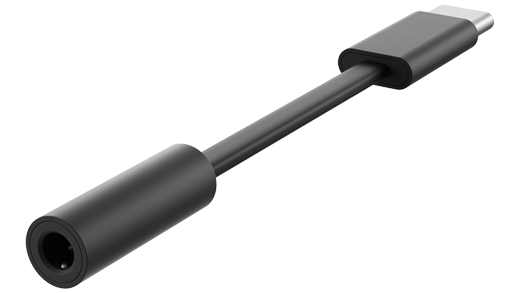
To use this adapter:
- Plug your 3.5mm accessory headphone jack into the 3.5mm port of your Surface USB-C to 3.5mm Audio Adapter.
- Connect the USB-C connector on the adapter to the USB-C port on your Surface. The adapter will automatically be set up and ready to go.
Related topics
Need more help?
Technical support

For technical support, open the Surface app, describe your problem and select Get Help.
Community support

Communities can help you ask questions, and hear from experts with rich knowledge. Ask the Community.
Other support

If you can't use your Surface or have a question about something else, open Get Help to get other support online.